

Write, capture, organize.
The Digital Vault For Your Thoughts • Your Second Brain.
Navisht is a fast, beautifully simple note-taking app with a rich-text editor, a floating quick-capture bubble, and secure sync across every device.
Free on Google Play · see how it works
Everything you need to stay organized
Built for speed, designed for clarity.
Rich-Text Editor
Write notes the way you think — headings, lists, checkboxes, and rich formatting, all built in.
Quick Capture Bubble
A floating overlay lets you jot an idea down instantly, without opening the full app.
Smart Tags
Organize notes with tags and find anything again in seconds with fast search.
Secure Sync
OTP and social sign-in keep your account safe while your notes sync across devices.
See the real writing experience
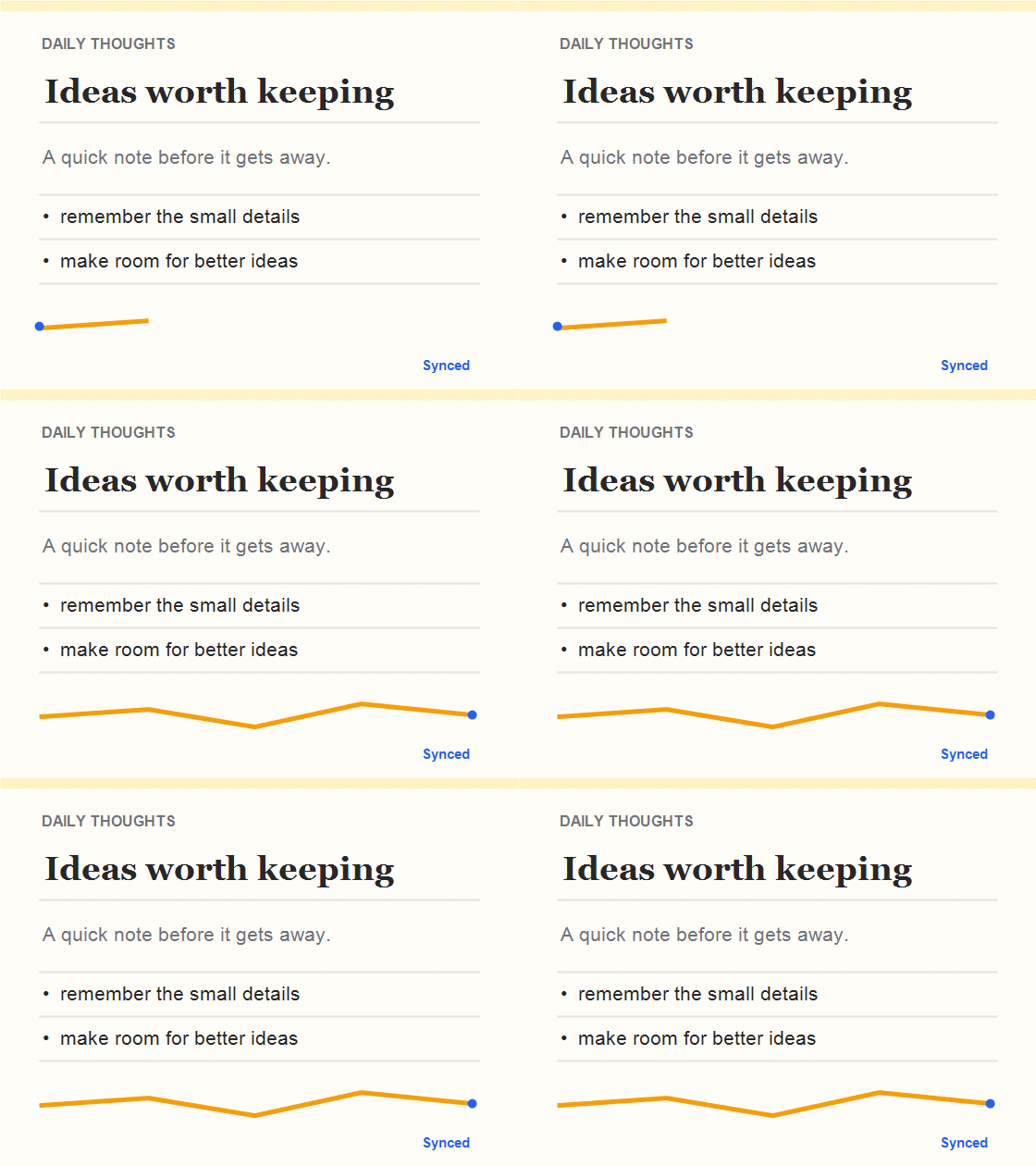
This is Navisht running on-device — the same editor, the same speed.
Your thoughts, one tap away.
Capture instantly. Stay in the flow.
A floating quick bubble keeps your thoughts, ideas, and notes just one tap away — so you can capture what matters the moment it comes to mind, without opening the app.
Always accessible. Effortlessly captured.
Write it. Save it. Get back to what matters.
Every note is encrypted end-to-end with AES-256 — before it ever leaves your device.
Not even Navisht can read it.
End-to-end encrypted
Always on, by default.
AES-256
The encryption standard banks and governments trust.
Zero-knowledge architecture
Your notes stay unreadable to everyone, including us.
Encrypted in sync
Your data stays encrypted on our servers too, not just on your device.
Encrypted in backup
Even local backups are protected.
Write without a second thought. What’s yours, stays yours.
Get started in three steps
Download
Get Navisht free from the Play Store.
Create an account
Sign up in seconds with email, mobile OTP, or Google.
Start capturing
Use the quick bubble or composer to save your first note.
Ready to capture your next idea?
Download Navisht free on Google Play, or try the editor right here on this page.